
Expense Tracking Built
for Freelancers
Capture and categorize business expenses automatically. Snap receipts, track spending by category, and generate tax-ready expense reports—all in one place.
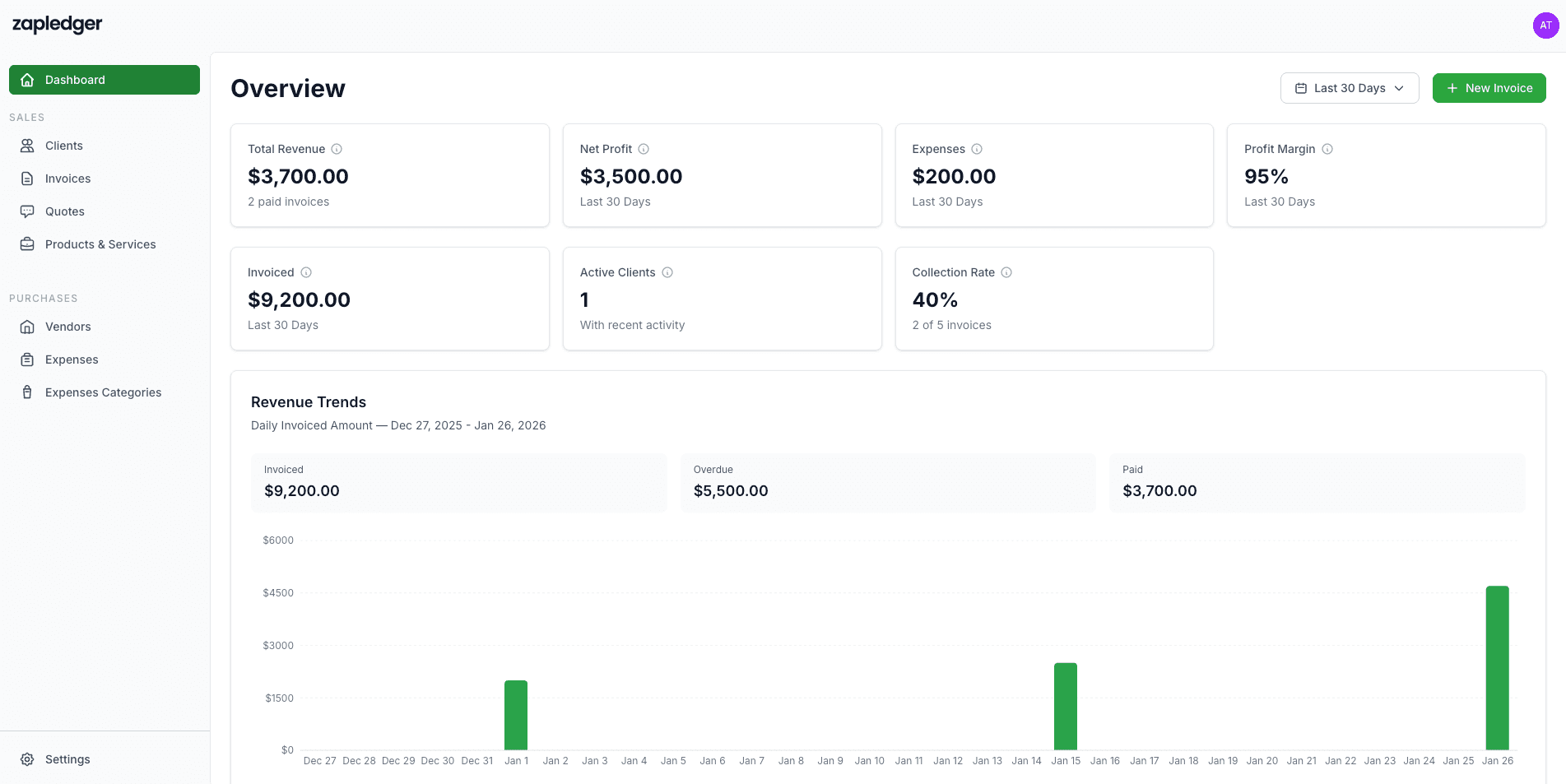
Expense Tracking That Fits Your Workflow
Only the features you need: categories, line items, receipts, multi-currency, and profit summary.
Add Expenses with Line Items
Record each expense with a date, optional vendor and category, and one or more line items (name, quantity, unit price). Add tax and a description. Expenses get a unique number (e.g. EXP-001) automatically.
Custom Expense Categories
Create your own expense categories (e.g. Software, Travel, Office) and assign them when adding expenses. Manage categories from the expense form so spending is organized for taxes and reporting.
Multi-Currency & Exchange Rates
Enter expenses in any currency. When the currency differs from your base currency, you can use a live exchange rate or enter your own. Zapledger converts amounts to your base currency so totals and profit are consistent.
Attach Receipts & Invoices
Upload vendor invoices and receipts when creating an expense—images (JPEG, PNG, GIF, WebP) or PDFs. You can also add more files later from the expense detail view. Keeps proof in one place for tax time.
What You Can Do Today
All of this is available in your Zapledger account—no extra setup.
Pair expense tracking with invoicing, financial reporting, and simple pricing.
Ready to Track Expenses the Simple Way?
Join freelancers and small businesses using Zapledger for expenses and invoicing.
Get Started Free