
Invoice & Track in Any Currency.
Report in One.
Bill clients in their currency, record expenses in theirs or yours. Live or manual exchange rates—everything converts to your base currency for clean reporting.
How Multi-Currency Works
One base currency for your books; invoice and expense in whatever currency you need.
Invoice in Your Client’s Currency
When creating an invoice, pick the currency (e.g. EUR, GBP, USD) from a list of countries and currencies. The invoice total, line items, and balance due are all in that currency. If it’s different from your organization’s base currency, Zapledger fetches a live exchange rate so base currency amounts are filled in for reporting—or you can enter your own rate.
Live or Manual Exchange Rate
For invoices and expenses in a foreign currency, the app can pull a live exchange rate (invoice or expense currency → your base currency) so base amounts are calculated for you. You can always replace it with a manual rate—for example if you agreed a rate with the client or use a specific bank rate. The rate is saved with the transaction so reports stay consistent.
Expenses in Any Currency
Add expenses in the currency of the receipt or vendor (e.g. EUR for a European subscription). When the expense currency isn’t your base currency, you get the same behavior: a live rate is loaded by default, or you enter a manual rate. The expense is stored with a base currency amount so your expense totals and profit views stay in one currency.
One Base Currency for Reporting
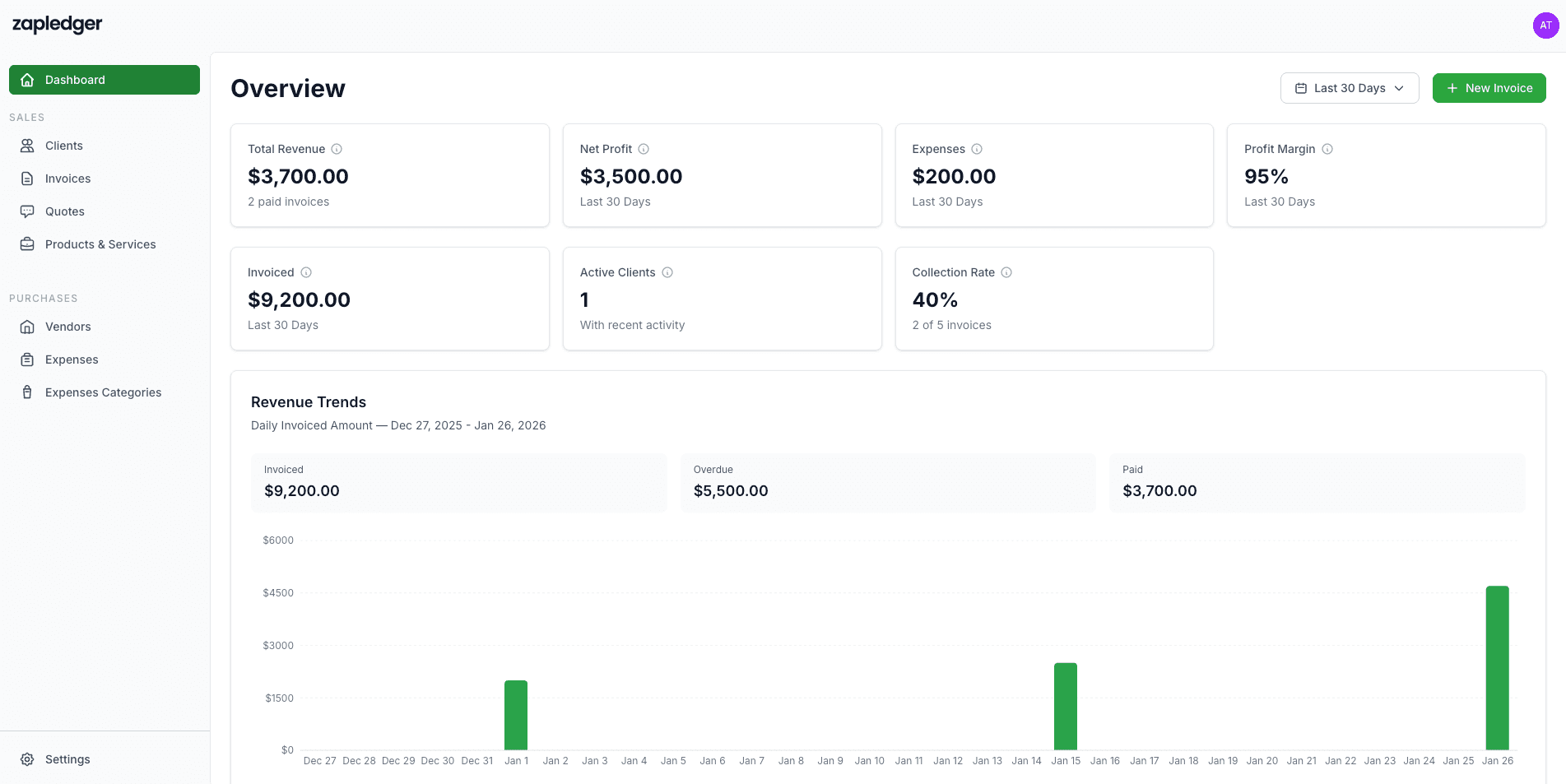
Your organization has a base currency (e.g. USD). Every invoice and expense stores both the transaction currency and the equivalent in base currency. Payments are recorded in the invoice currency and also in base currency. Dashboards, revenue trends, and profit use base currency so you see a single, consistent view of your business.
What You Get
All of this is available in your Zapledger account.
Ready to Work in Multiple Currencies?
Invoice and expense in any currency; keep reporting simple in your base currency.
Get Started Free